Fitronixx
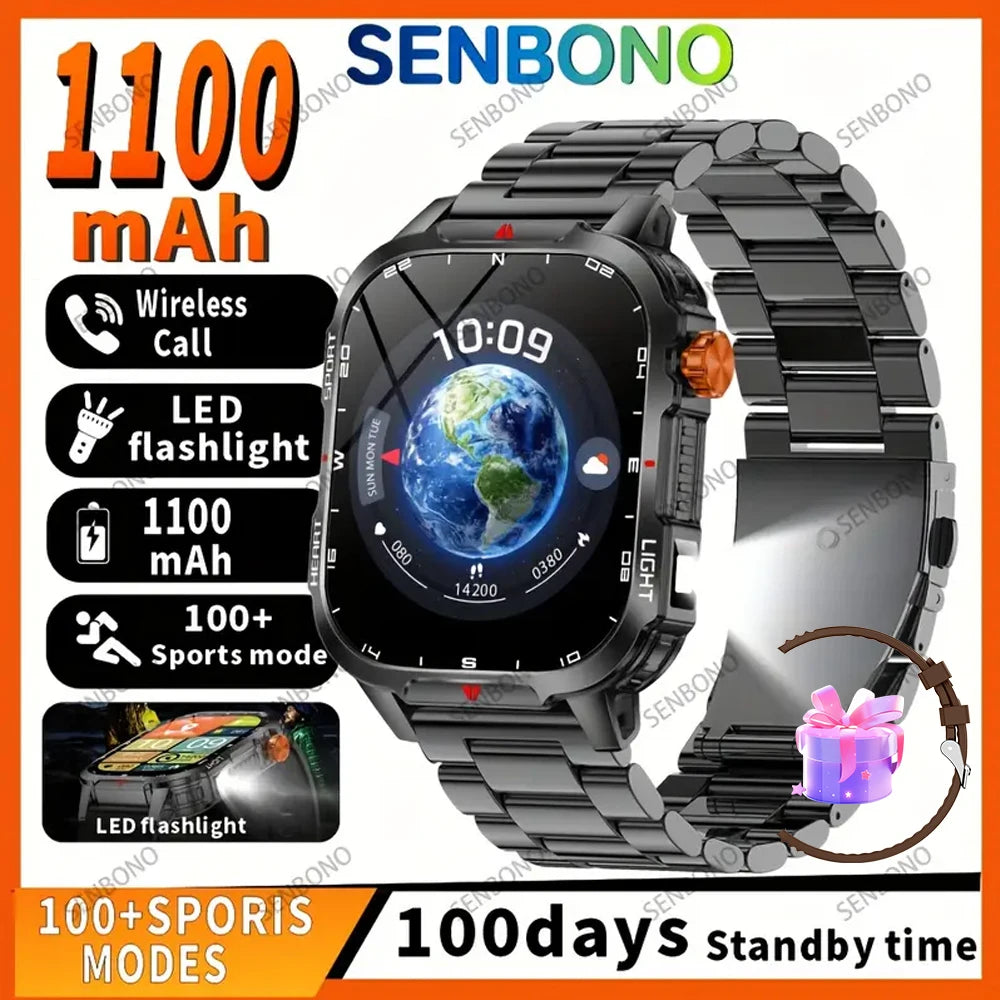
SENBONO Men's Smart Watch 1100mAh Battery 25+ Day Use Time Bluetooth Call Compass IP68 Waterproof Sport Smartwatch For Men Women
SENBONO Men's Smart Watch 1100mAh Battery 25+ Day Use Time Bluetooth Call Compass IP68 Waterproof Sport Smartwatch For Men Women
Couldn't load pickup availability
SPECIFICATIONS
Activity Tracked: Other,Steps Tracker,Distance Tracker,Calorie Tracker,Activity Tracker
Application Age Group: Adult
Battery Capacity(mAh): >450mAh
Battery Life: 25
Bluetooth-compatible Version: 5.3
Brand Name: SENBONO
Category: Smart Watches
Certification: CE,Dot,EAC,EPA,FCC,GMP,RoHS,TGA,UL,KC,pse,weee,None,MIC,BQB,NCC,SRRC,PRO65,TPCH,BPA,CEC,DOE,fda,CPSC,Reach
Compatibility: All Compatible
Display Size: 2.01INCH
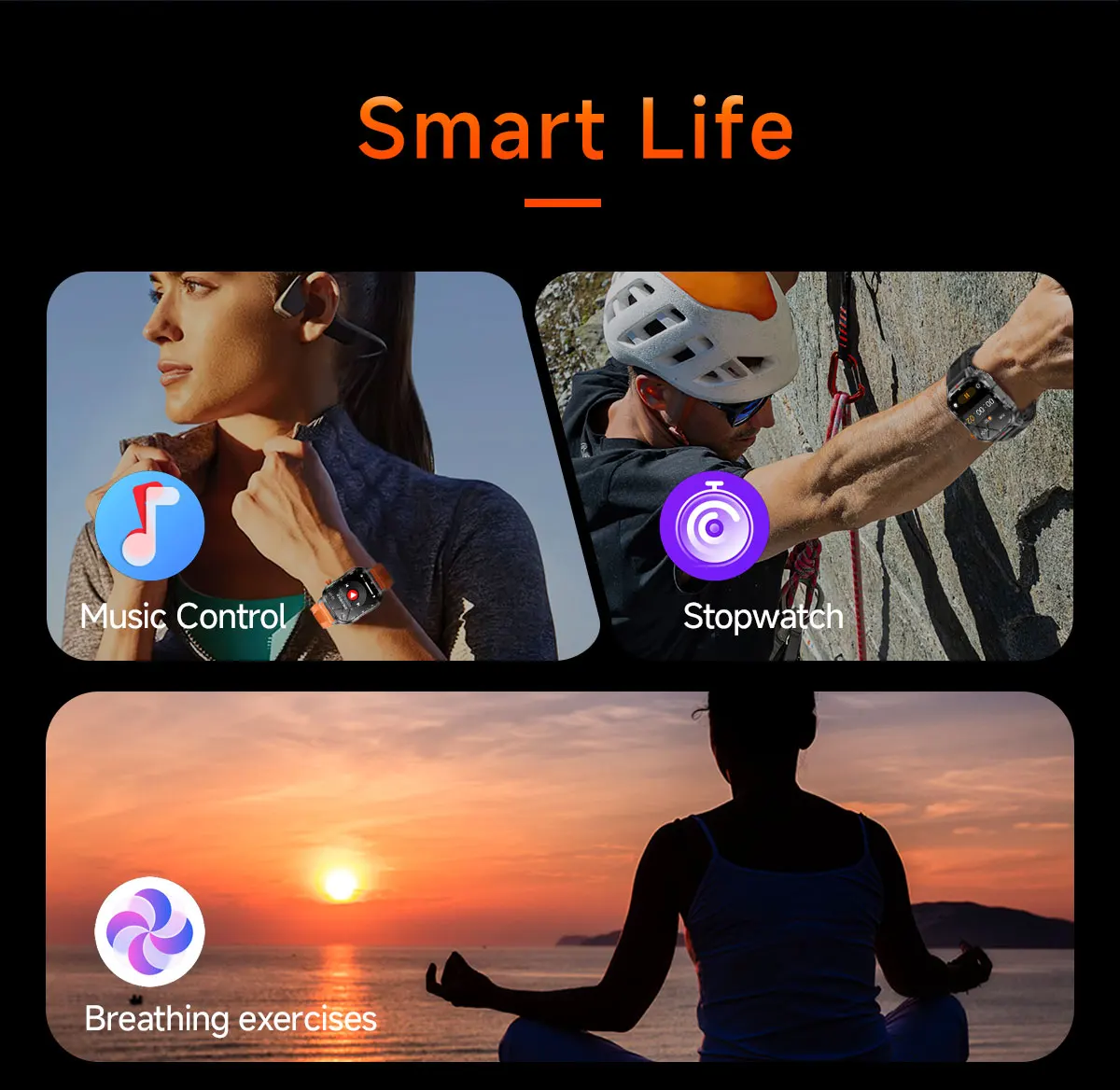
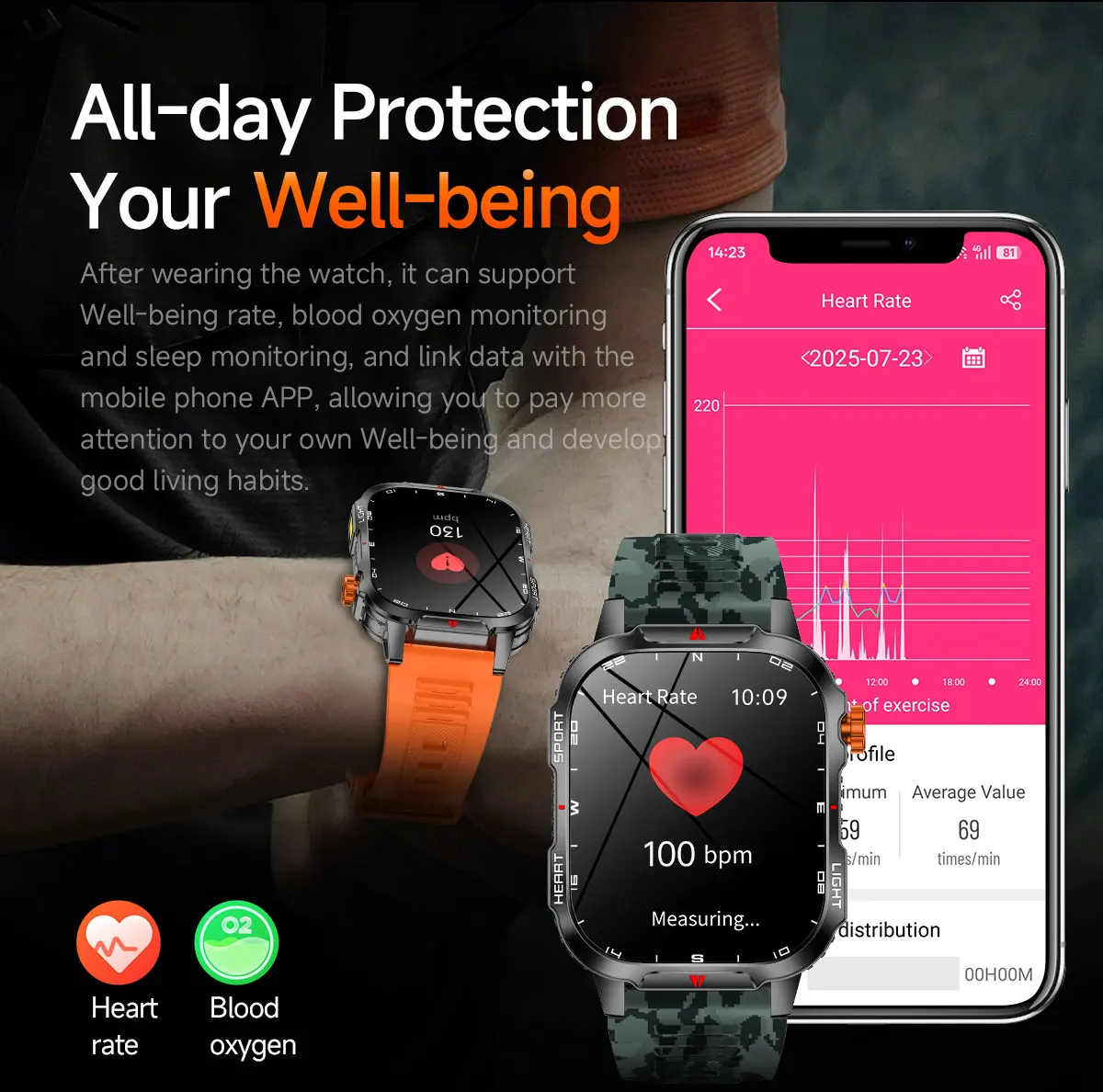
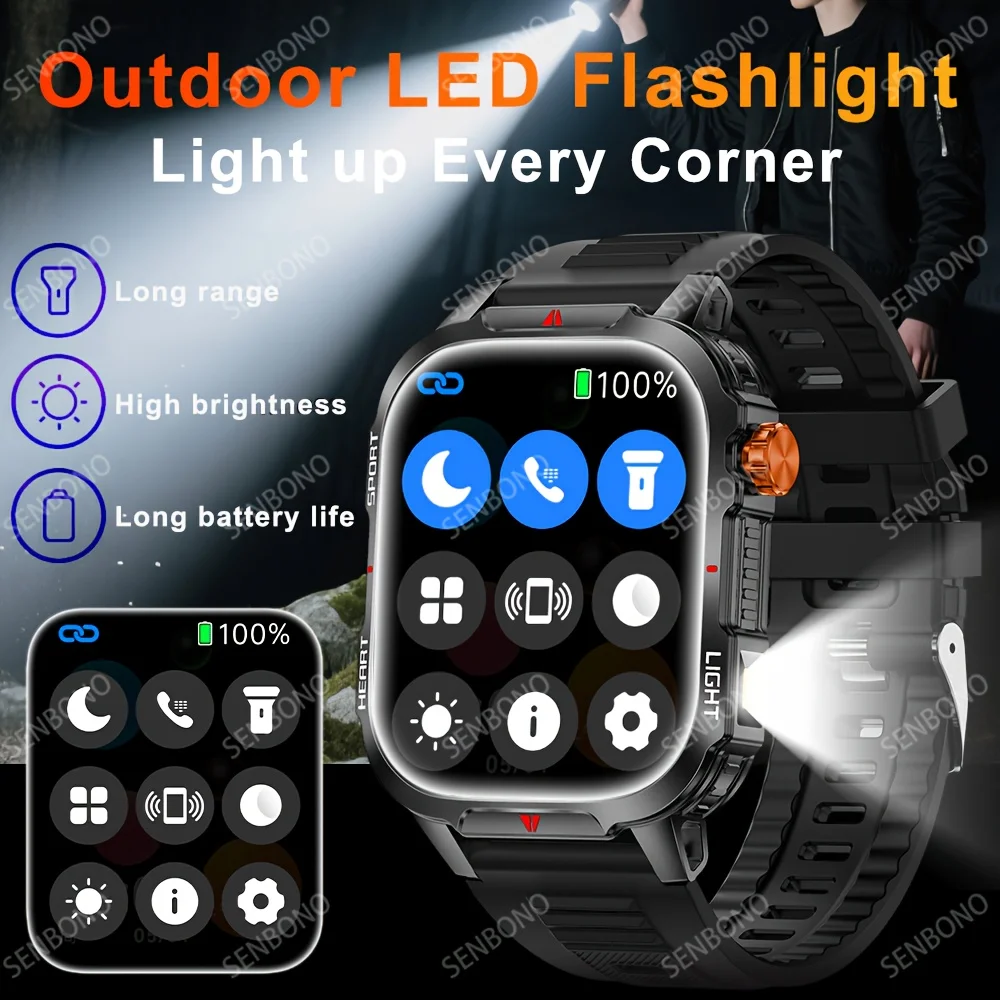
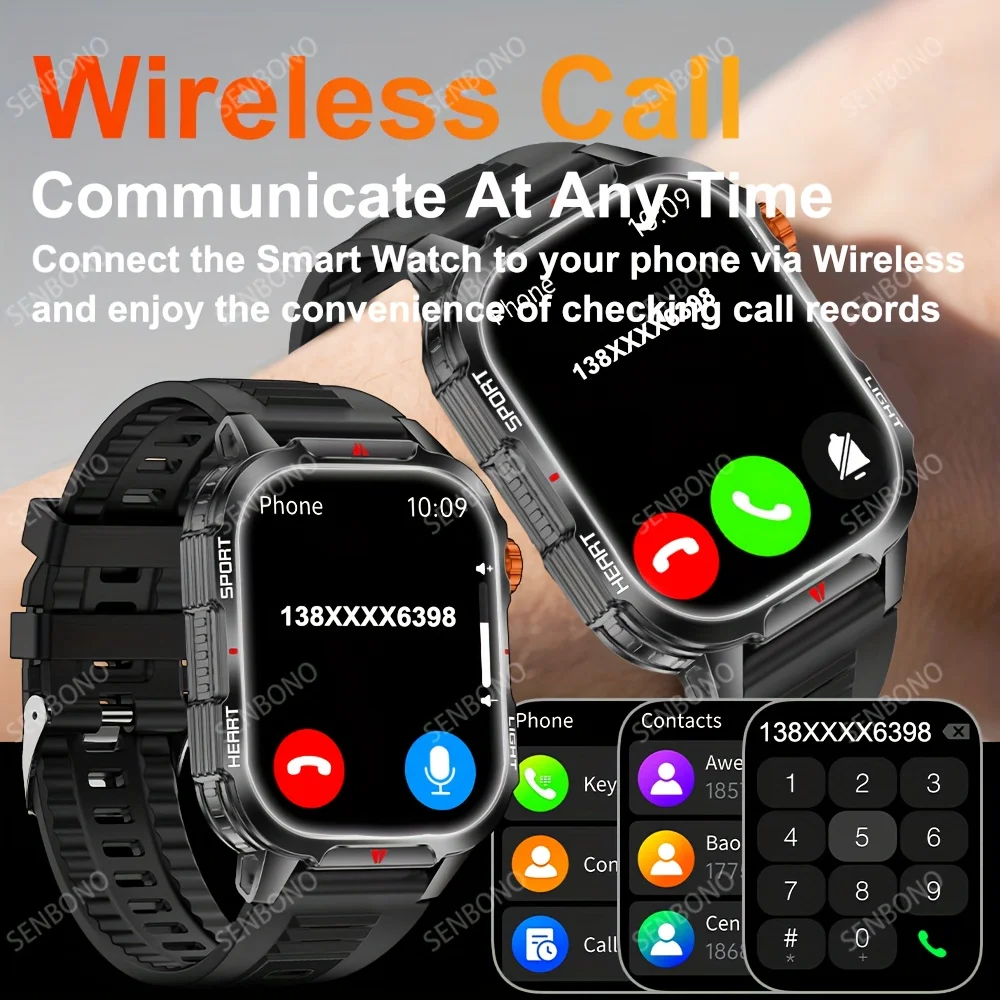
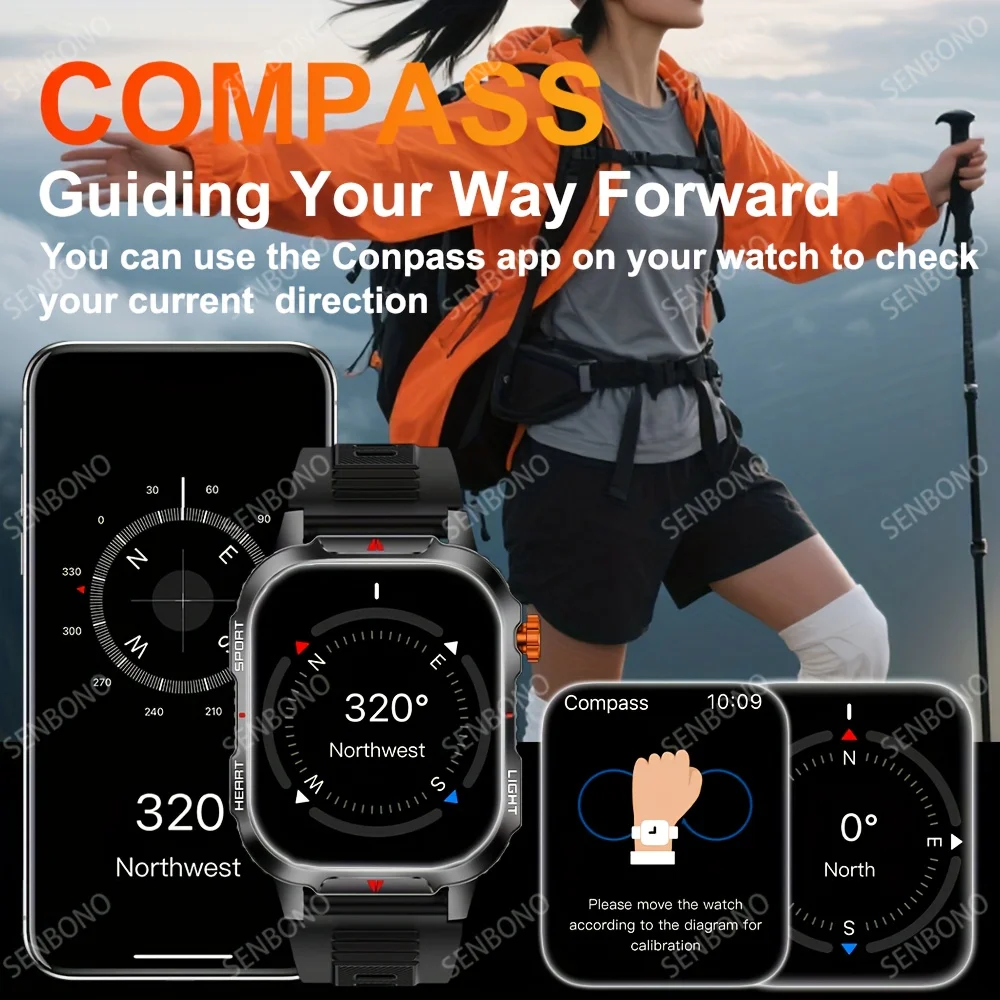
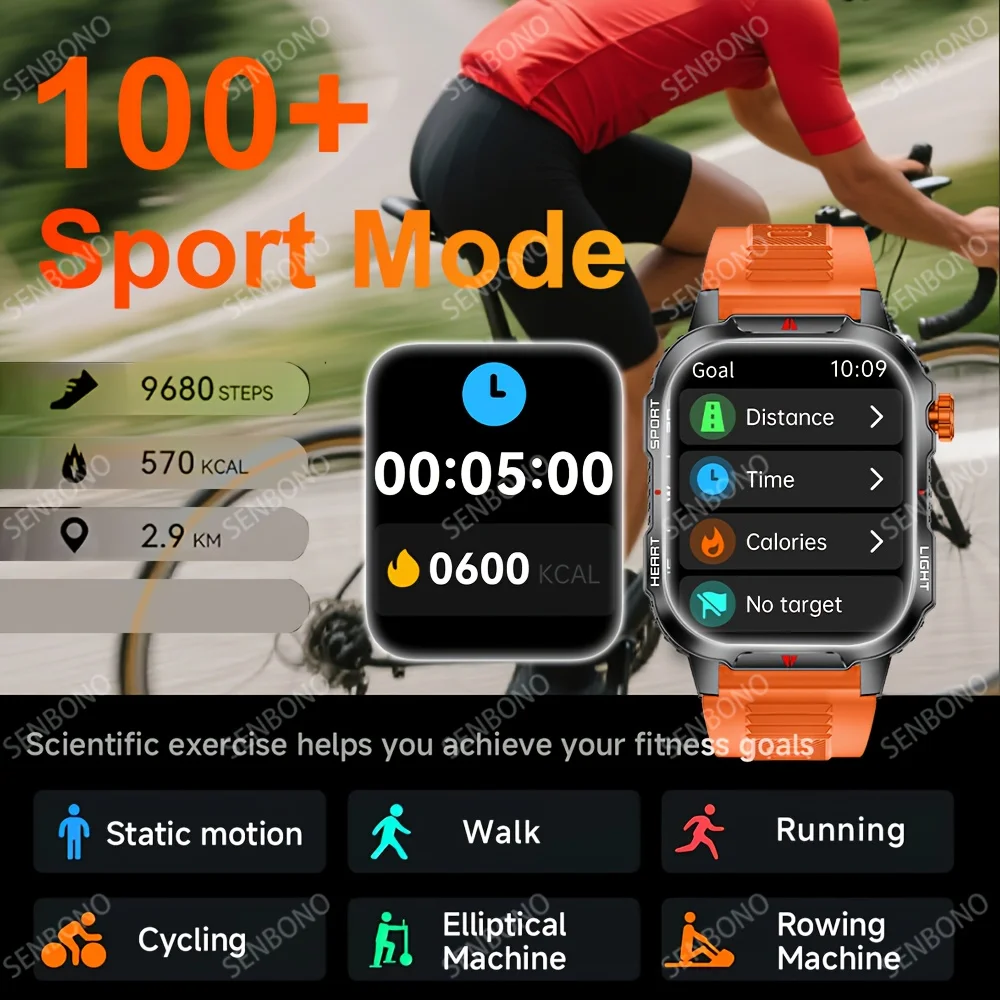
Function: Passometer,fitness tracker,sleep tracker,Message Reminder,Call Reminder,Answer Call,Dial Call,Remote Control,Chronograph,Alarm Clock,World Time,Calorie Counter,Power Reserve,week,Month,Heart Rate Tracker,Interactive Music,Compass,Lighting,Countdown
GPS: No
Hign-concerned Chemical: None
Language: English,Russian,Spanish,Polish,Portuguese,Italian,French,German,Korean,Japanese
Launch Date: 2025
Mechanism: No
Metrics measured: Heart Rate Monitor,Other,Sleep Monitor
Multiple Dials: Yes
Network Mode: None
Origin: Mainland China
RAM: <128MB
ROM: <128MB
Rear Camera: None
Resolution: 240*296
SIM Card Available: No
Screen Material: IPS
Screen Shape: SQUARE
System: None
Type: On Wrist
Voice assistant built-in: Yes
Waterproof Grade: Life Waterproof
How to charge the watch?
1. Take out the charging cable in the product box;
2. Connect the charging cable to the watch;
3. Plug the charging cable into the power source;
4.Please charge the watch more than 3 hours first time.
How to Use The Watch
1.Download The APP from the App store.
2.Turn on "Wireless" on both your smartphone and the smartwatch.
3.Open the APP , go to "Add Device and select the watch from the list.
4.Follow the in-app prompts to complete the pairing process. Ensure the "Connect option is checked.
5.Allow"Contact and Call Permissions" when prompted, A pop-up window may appear for confirmation.
6.Turn on Wireless call, Text and APP notification.
7.Your smartwatch is now ready!